
Shoes
Find sneakers, running shoes, boots and slides. Open a pair to compare its product gallery with the QC photos available for that listing.
Good finds deserve a closer look.
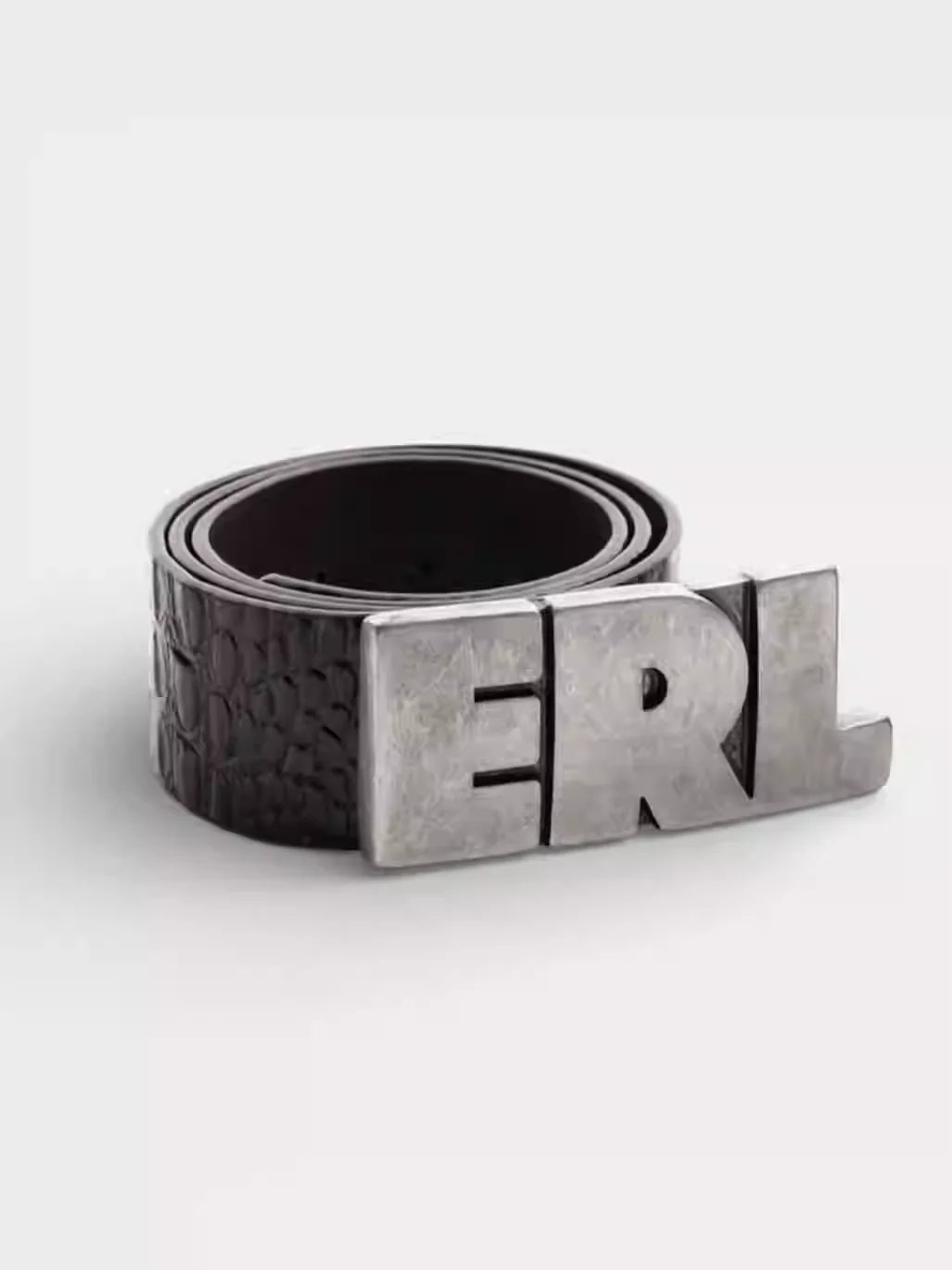
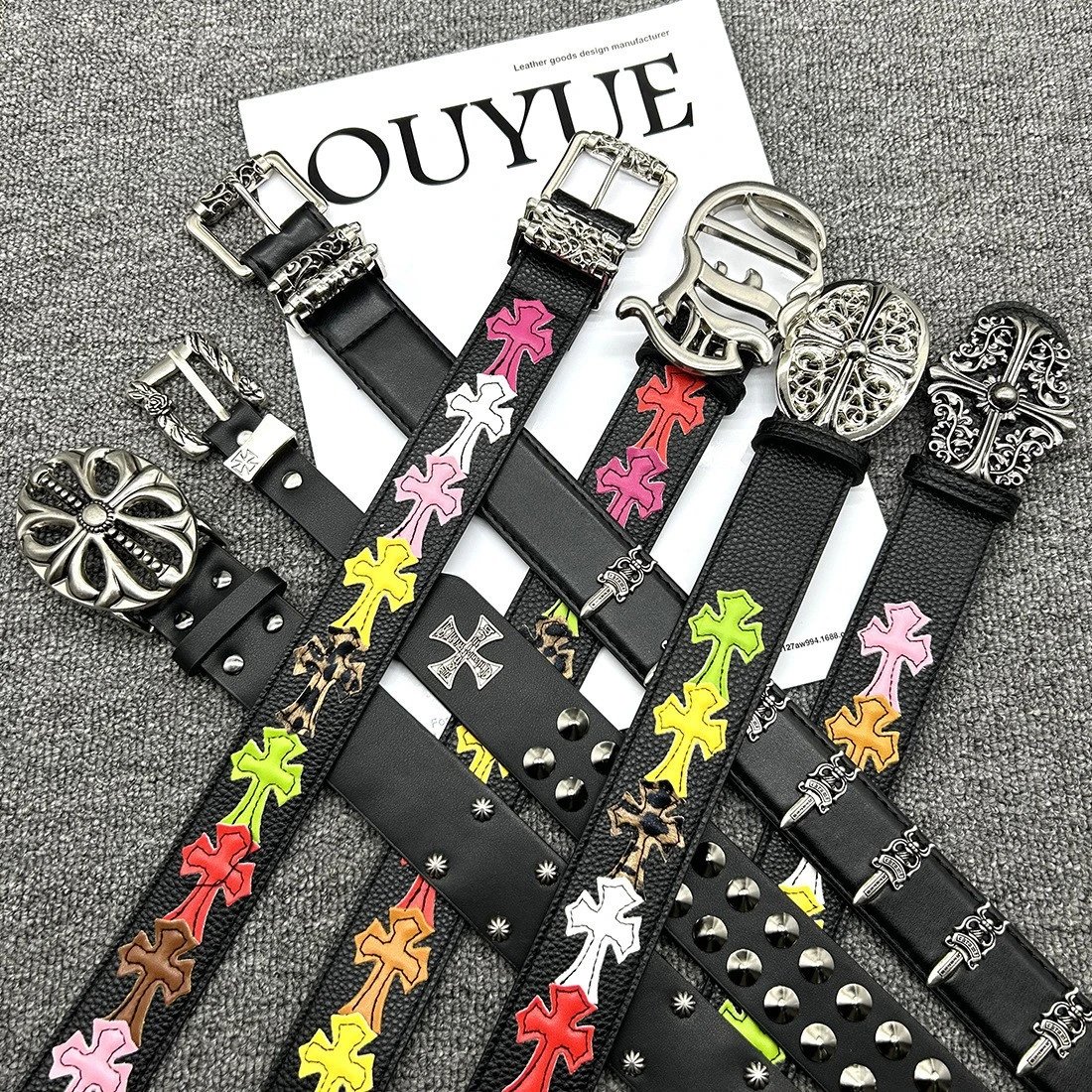
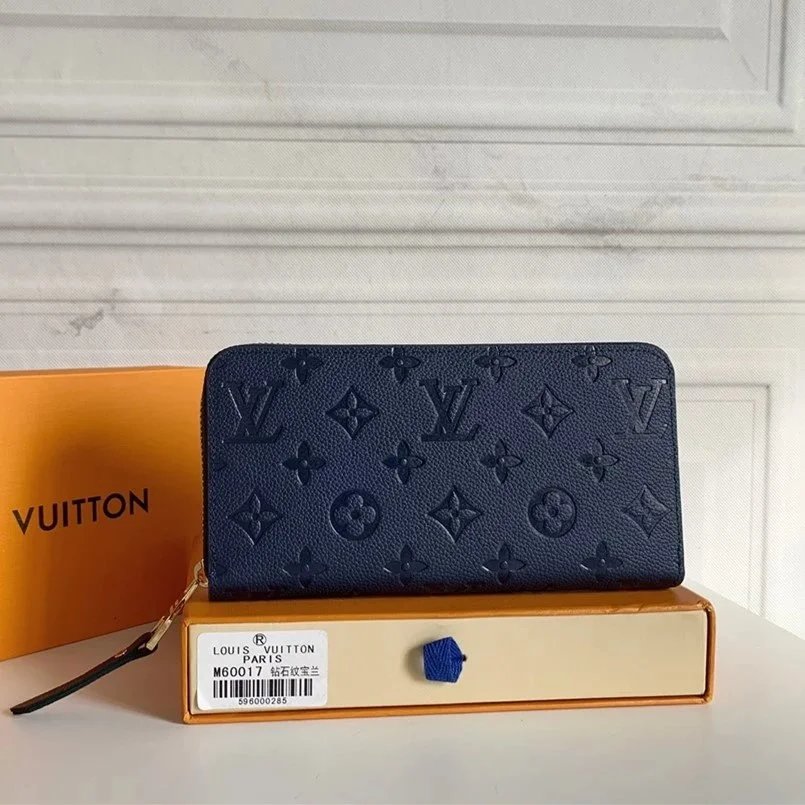
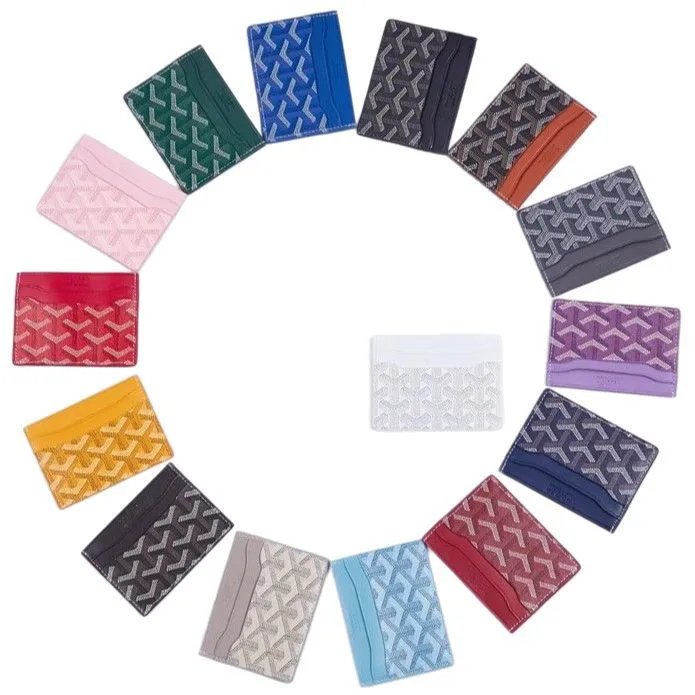
Find sneakers, running shoes, boots and slides. Open a pair to compare its product gallery with the QC photos available for that listing.
Browse T-shirts, hoodies, knitwear and jackets in one place, then narrow the collection to the type of layer you want.
Explore trousers, denim and shorts through full product images. Check the original listing for the measurements and options you need.
Compare jackets, coats and overshirts with full product galleries. Existing QC can show cuffs, closures and fabric details that the cover photo misses.
Find coordinated tops and bottoms in matching sets. Confirm which pieces are included in the exact option on the source product page.
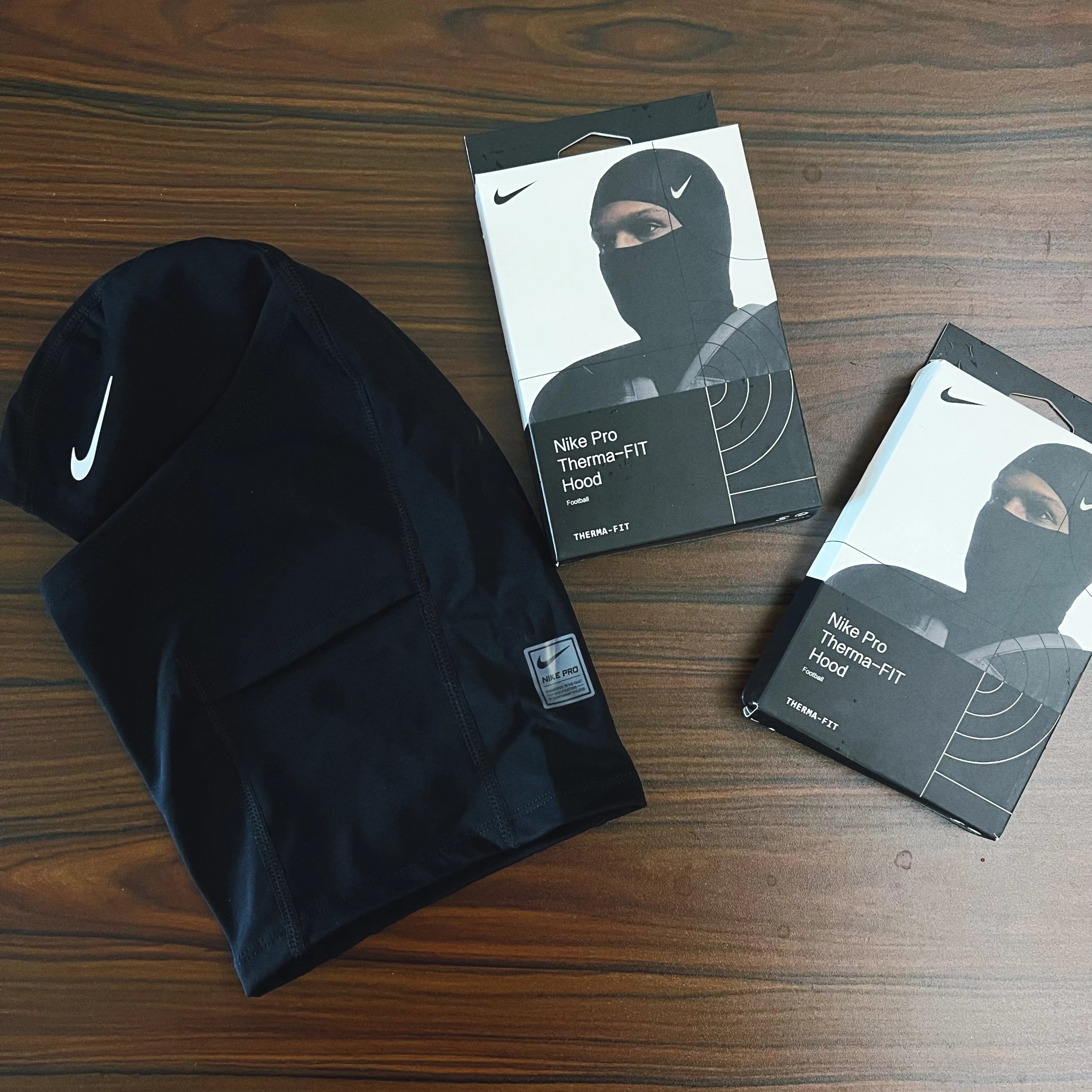
Browse base layers, underwear and socks. Check the source listing for pack quantities, fabric information and the available options.
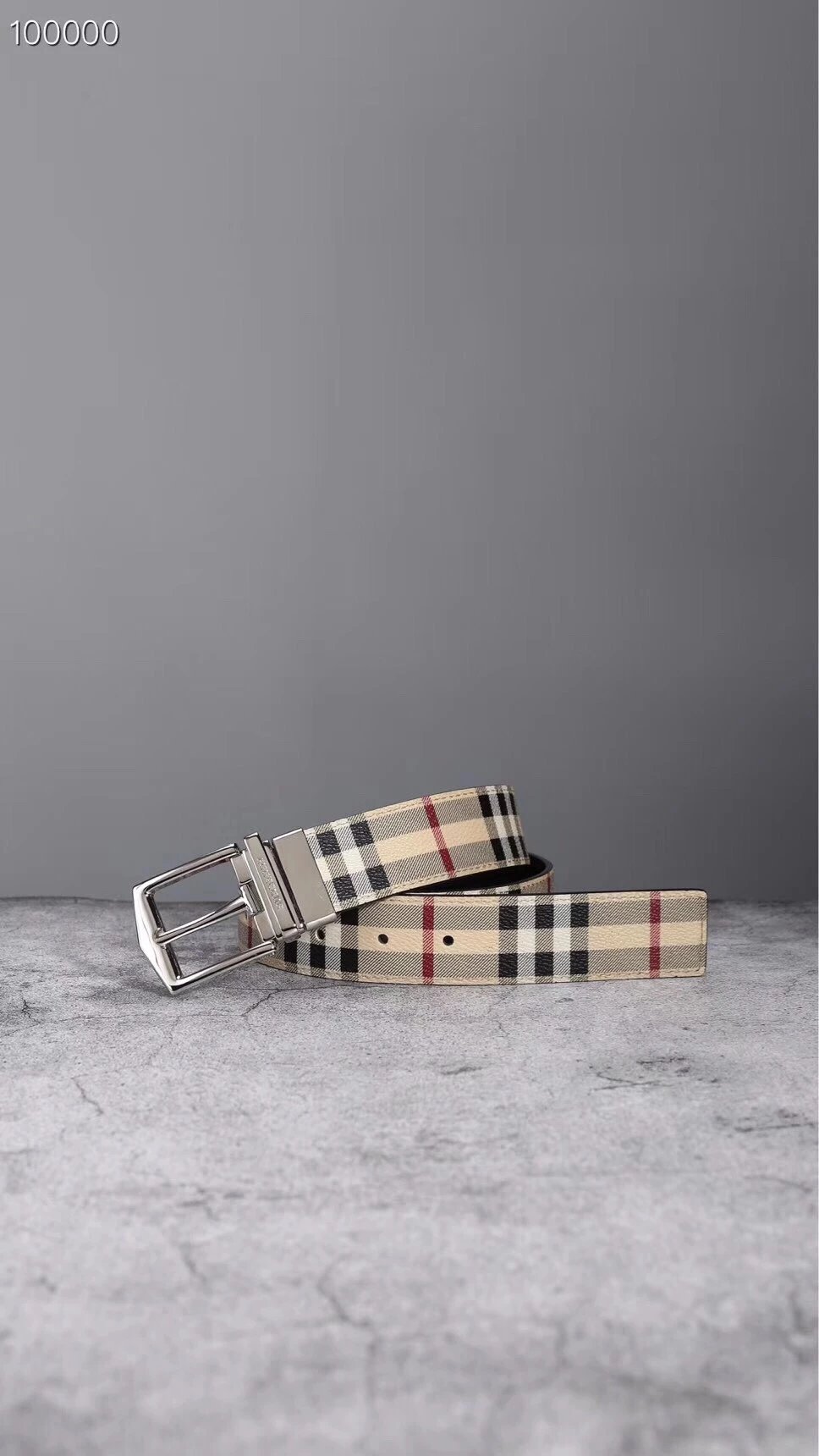
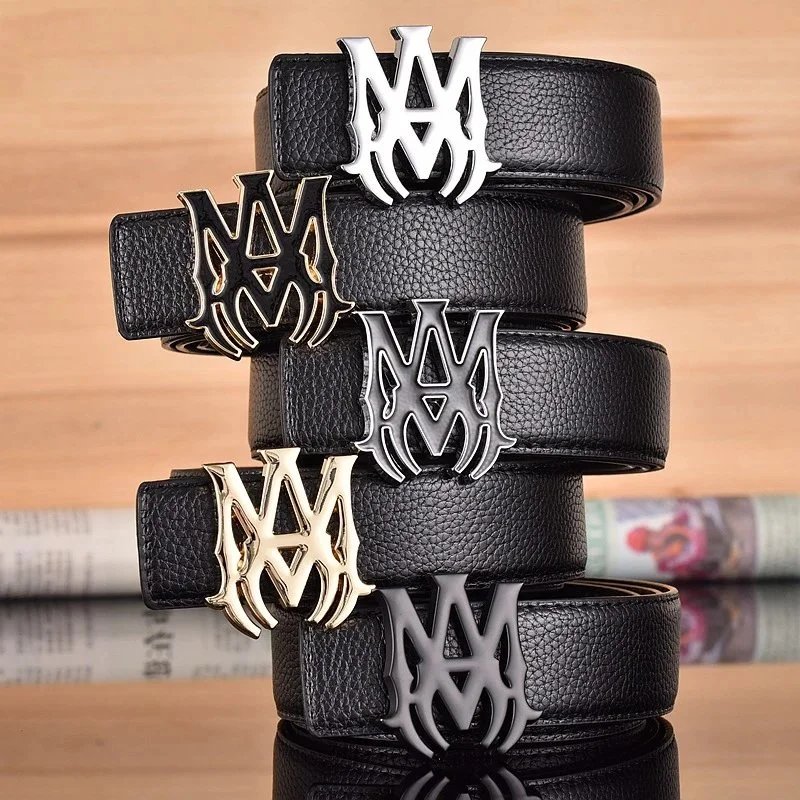
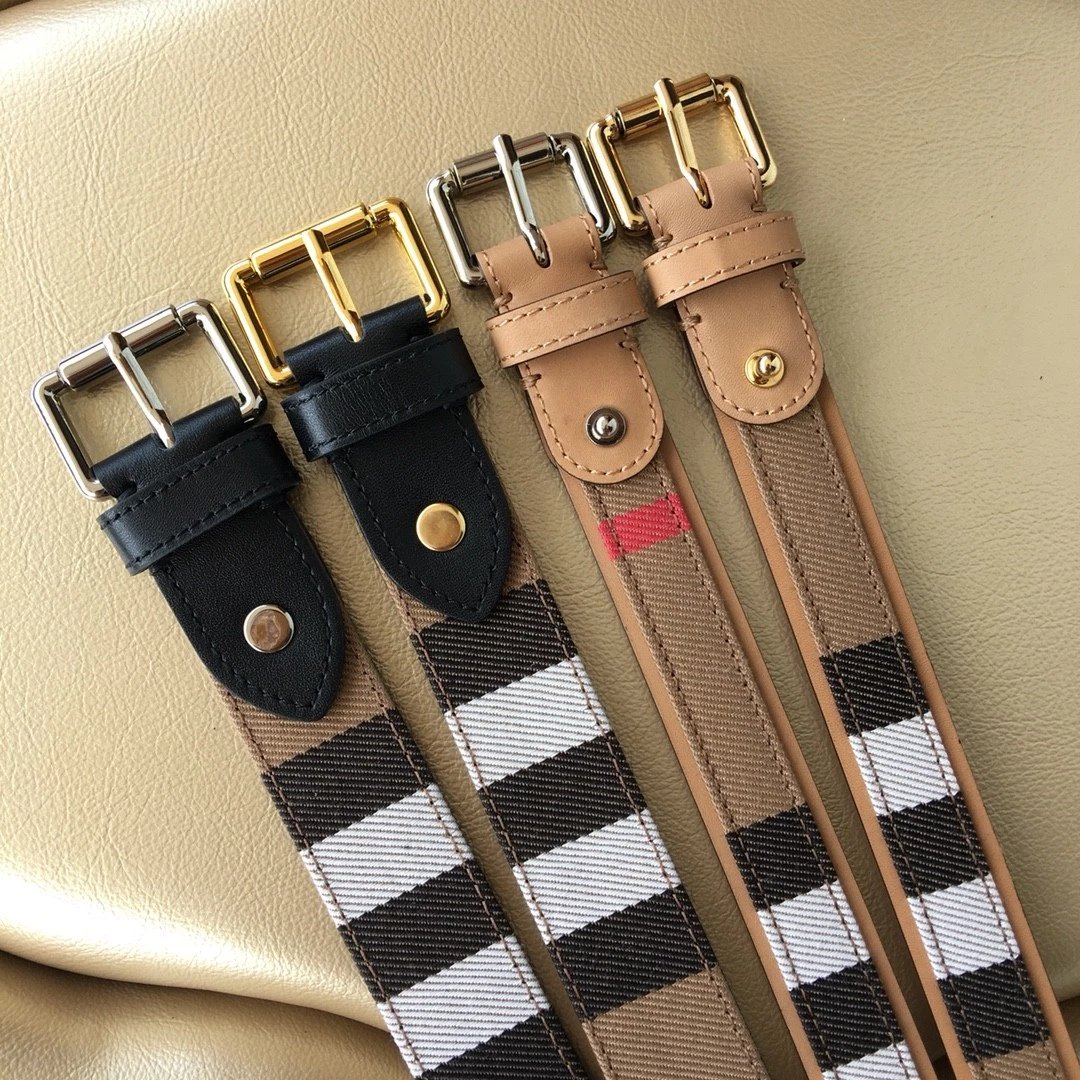
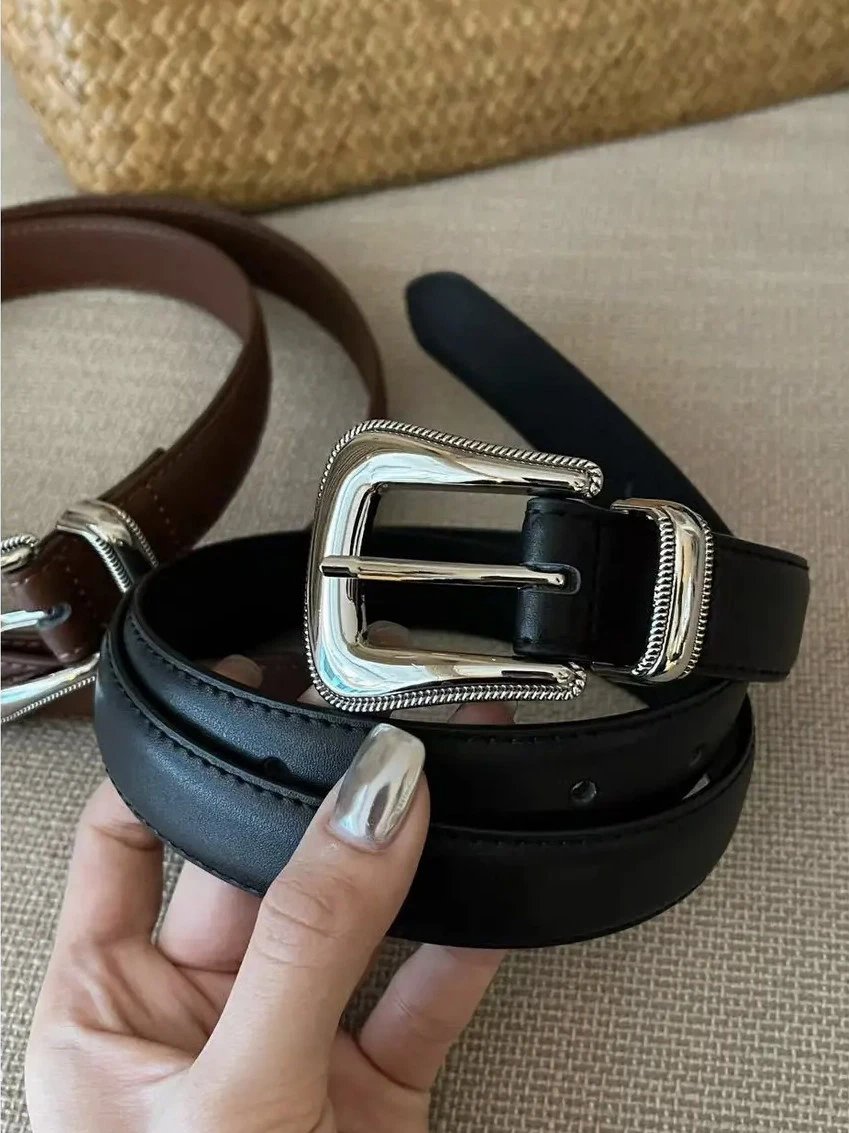
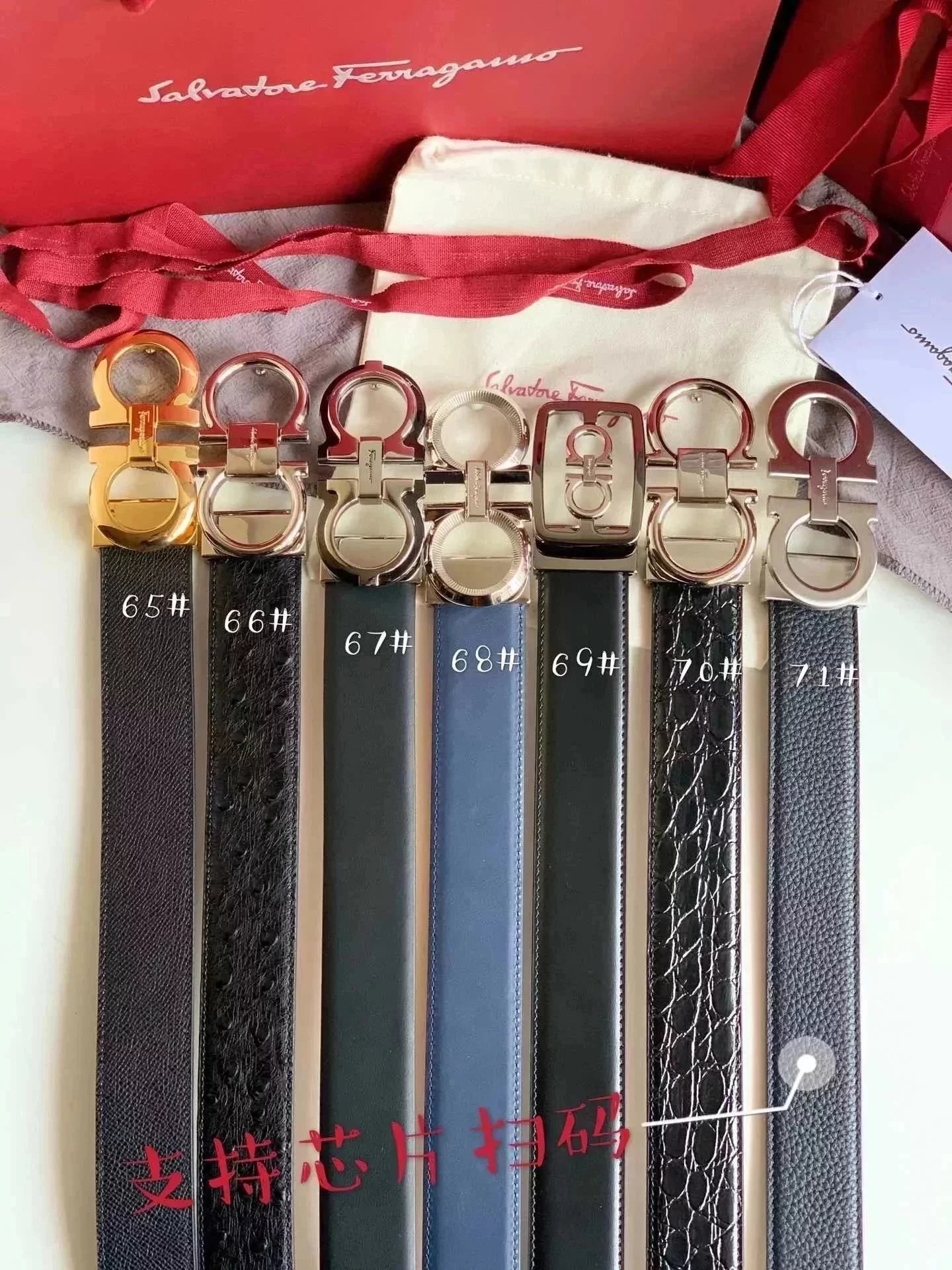
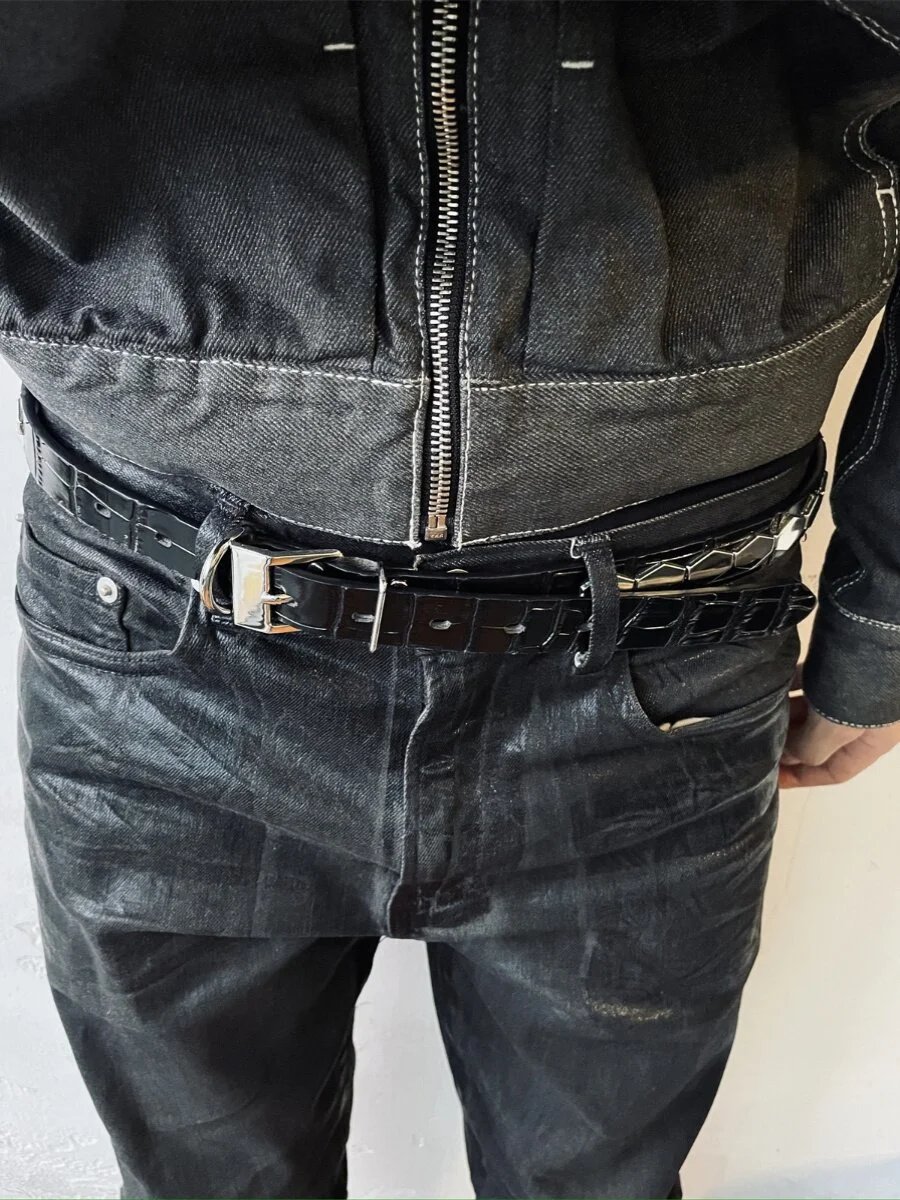
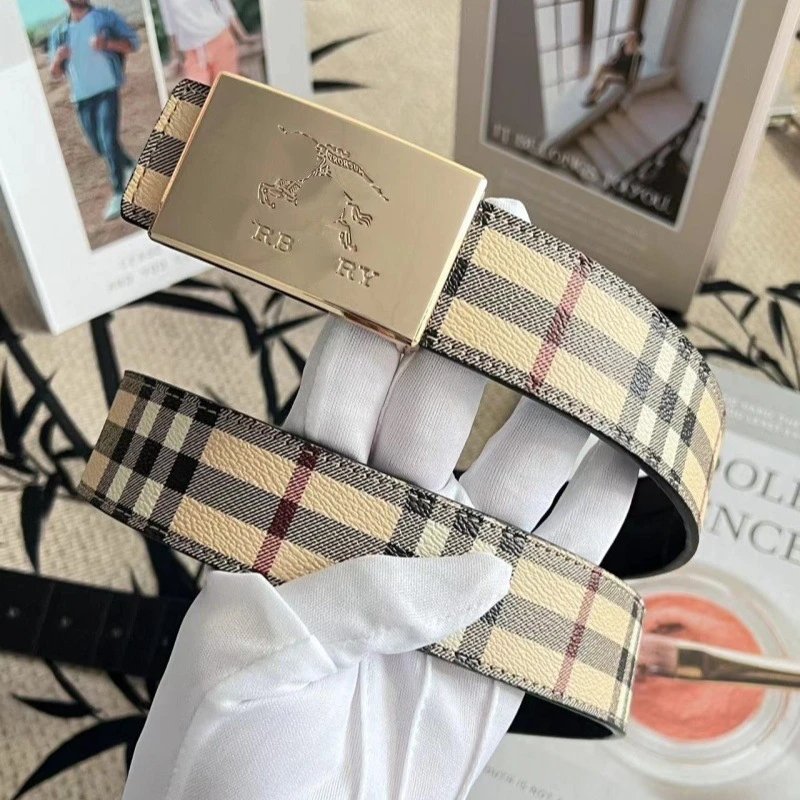
Browse jewellery, belts, eyewear and other finishing pieces. The product gallery and existing QC show different views of the same listing.
Explore gadgets and electronics by product rather than by a generic photograph. Confirm specifications and purchase eligibility on the destination listing.
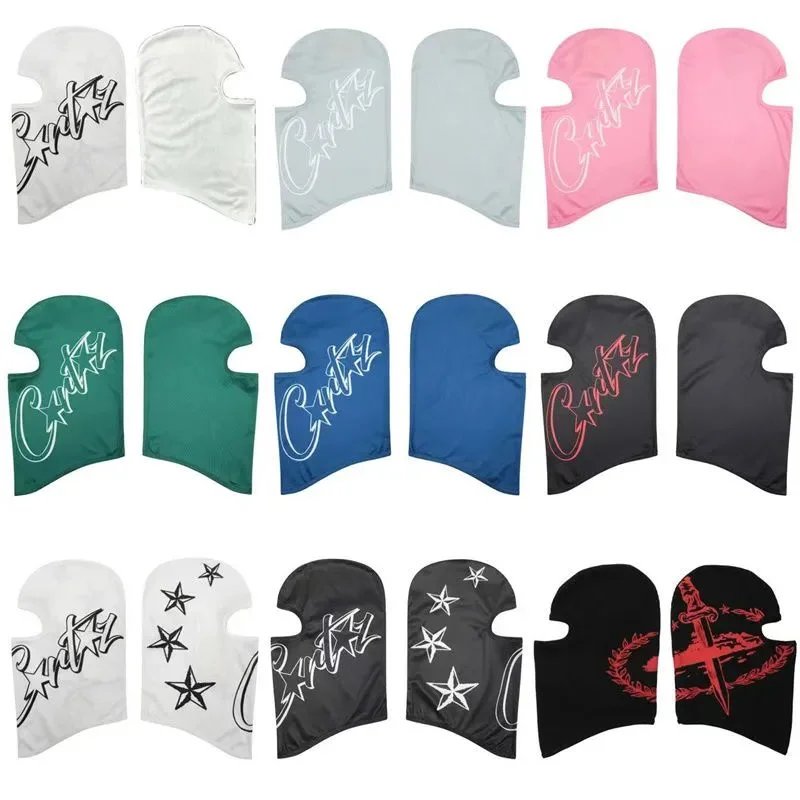
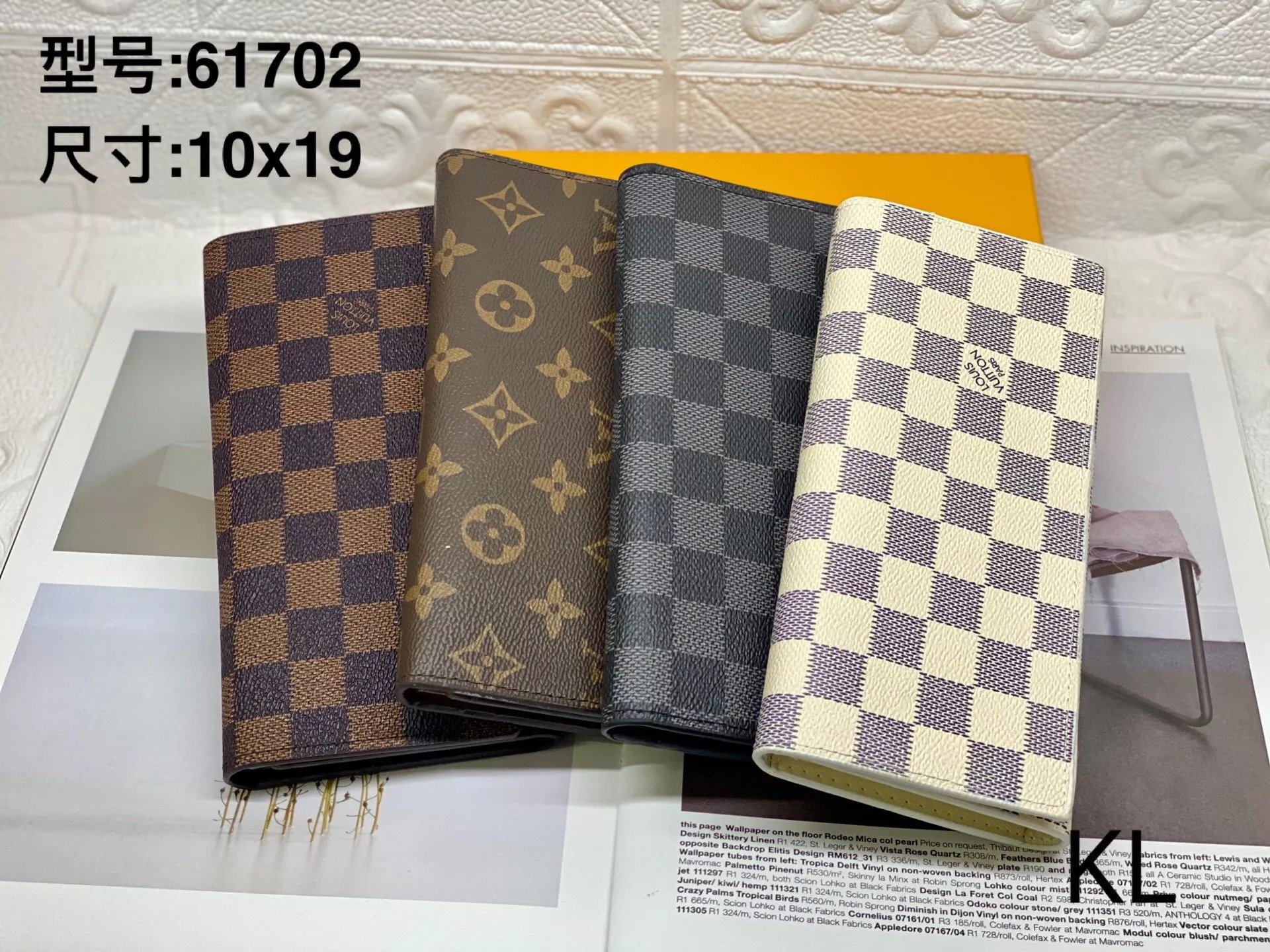
Explore finds outside the main clothing categories, including home, leisure and everyday items. Open each record for its own pictures and source link.
It is an independent photo-led product directory. Browse categories or search for a product, inspect its pictures and available QC, then use its Superbuy link to continue shopping.
Start with the shoe or clothing category, then open a more specific collection such as sneakers or hoodies. Brand and sort controls help narrow the results without losing the selected category.
No. These are existing reference photos associated with the listing. They can help you inspect visible details, but they are not a promise about your future order or a substitute for your own warehouse inspection.
Product photos present the seller’s item, while QC may show an individual item in different lighting and from different angles. Compare the relevant style instead of assuming that every photo shows the same option.
Yes. Upload, drop or paste an image into Image search. The results are visually similar candidates; a close match does not establish that two listings have the same seller or quality.
It changes the photo you are viewing. It does not reserve stock or choose a size for an order. Select your final options on Superbuy after opening the product link.
Prices here are reference prices converted from the listing’s CNY amount. The source price or selected option can change. The price shown on the final product page is the one to review before ordering.
The current purchase links carry the original Weidian product URL into Superbuy. The product ID identifies that source listing; it is not a Superbuy order number.
No. Source availability and Superbuy purchase restrictions are separate from whether a URL opens. Check the current destination page for any restriction or unavailable option.
No. This is an independent discovery site. Registration and purchase links contain a referral code, and we may receive a commission. Orders and account services take place on Superbuy.